

Download TunnelBear Virtual Private Network Security – VPN for Novices, Secure Browsing, High-Speed Protection, Free and Premium Plans
Overview
TunnelBear is a desktop application designed to enhance online privacy and security through virtual private network (VPN) technology. It enables users to encrypt their internet traffic and mask their IP addresses, offering protection against data interception, surveillance, and unauthorized tracking. The software is particularly tailored for individuals seeking a straightforward and reliable way to secure their digital activities, especially on public Wi-Fi networks.
Target users include casual internet users, privacy-conscious individuals, and beginners exploring VPN technology. The app’s design philosophy emphasizes simplicity and accessibility, making it ideal for those unfamiliar with advanced networking concepts. It operates across more than 20 global server locations, allowing users to connect to different regions for improved privacy or access to geo-restricted content.
While the developer did not provide additional details about the company’s background, the software’s consistent release history and widespread availability suggest a mature product. Real-world usage scenarios include secure browsing at cafes, protecting personal data during remote work, and maintaining anonymity while using public networks. The application is available in both free and premium versions, catering to users with varying levels of data and feature needs.
Key Features & Capabilities
- Global Server Network: Access to over 20 server locations worldwide, enabling users to connect from different geographic regions to enhance privacy or bypass basic content restrictions.
- 256-bit AES Encryption: Implements industry-standard encryption to secure all data transmissions, protecting sensitive information from snoopers and cyber threats.
- Automatic Kill Switch: Activates when the connection drops, preventing any data from leaking outside the encrypted tunnel and ensuring continuous privacy.
- Trusted Networks Feature: Allows users to whitelist specific Wi-Fi networks (e.g., home or office) so the app automatically connects when those networks are detected.
- Vigilant Mode: Monitors the connection in real time and blocks all traffic if the secure tunnel fails, minimizing exposure during unstable network conditions.
- GhostBear Function: Disguises VPN traffic as regular HTTPS traffic to bypass network restrictions, useful in regions with strict internet controls.
- No-Logging Policy: The developer claims to maintain a strict no-logging policy, ensuring user activity is not recorded or stored.
These features support a range of practical use cases, such as protecting personal data while shopping online, securely accessing work resources remotely, or maintaining anonymity during public browsing. The combination of strong encryption and automated safeguards helps users maintain privacy without requiring technical expertise. The GhostBear function, while beneficial in restrictive environments, may affect performance due to additional processing overhead. The free version offers limited bandwidth (500 MB/month), making it suitable for light use, while premium plans unlock unlimited data and multi-device support.
User Interface, Workflow & Performance
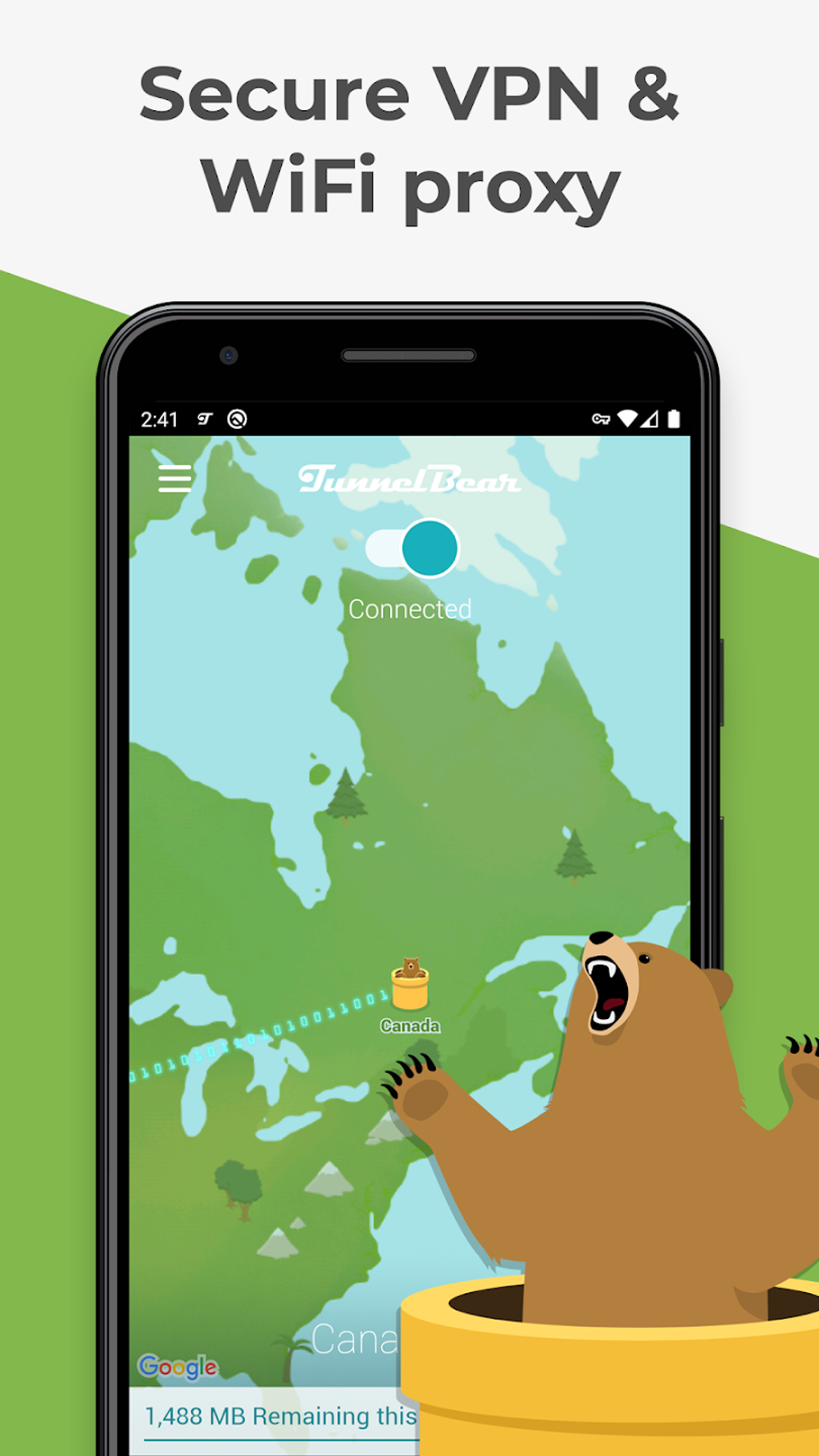
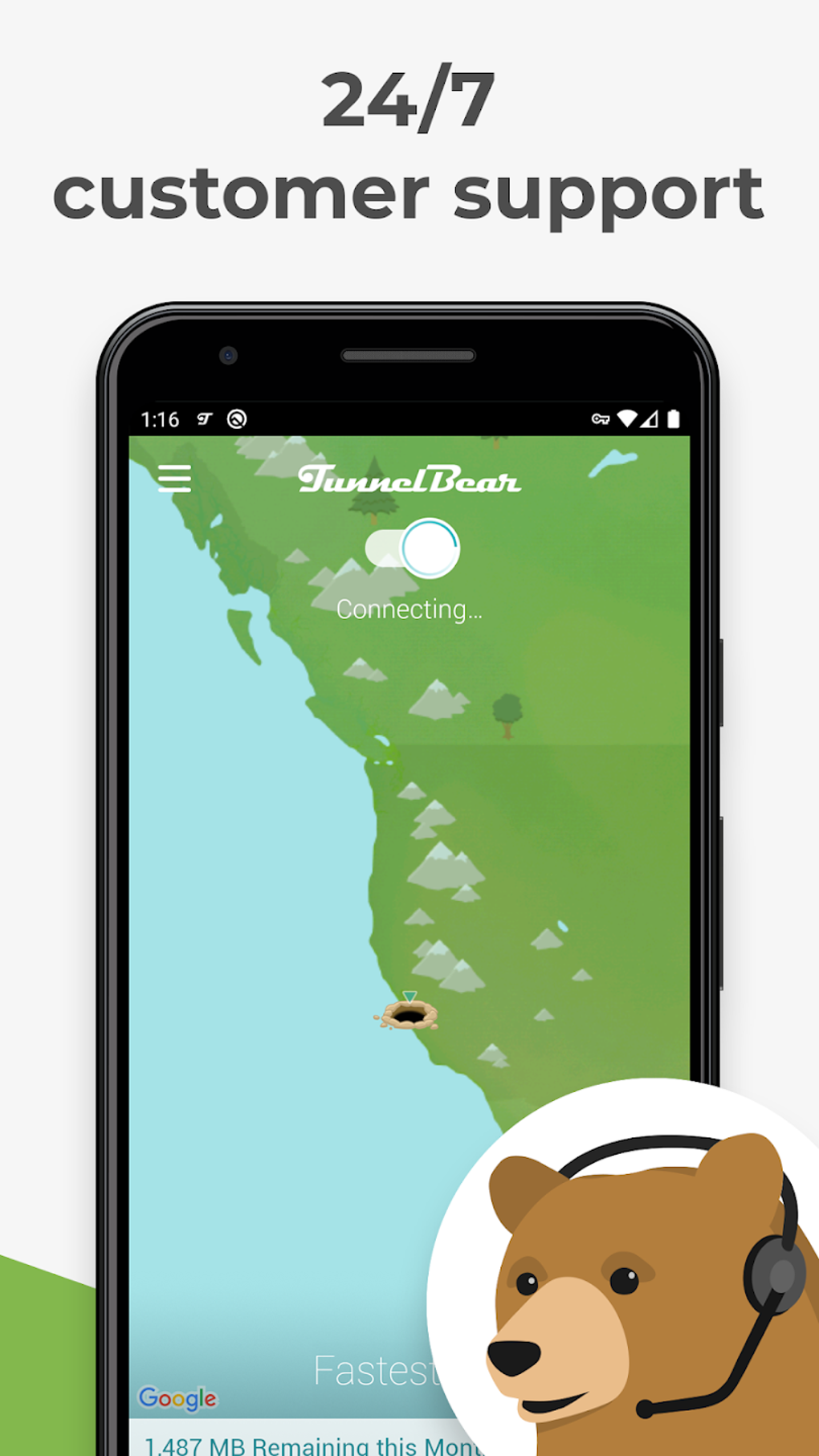
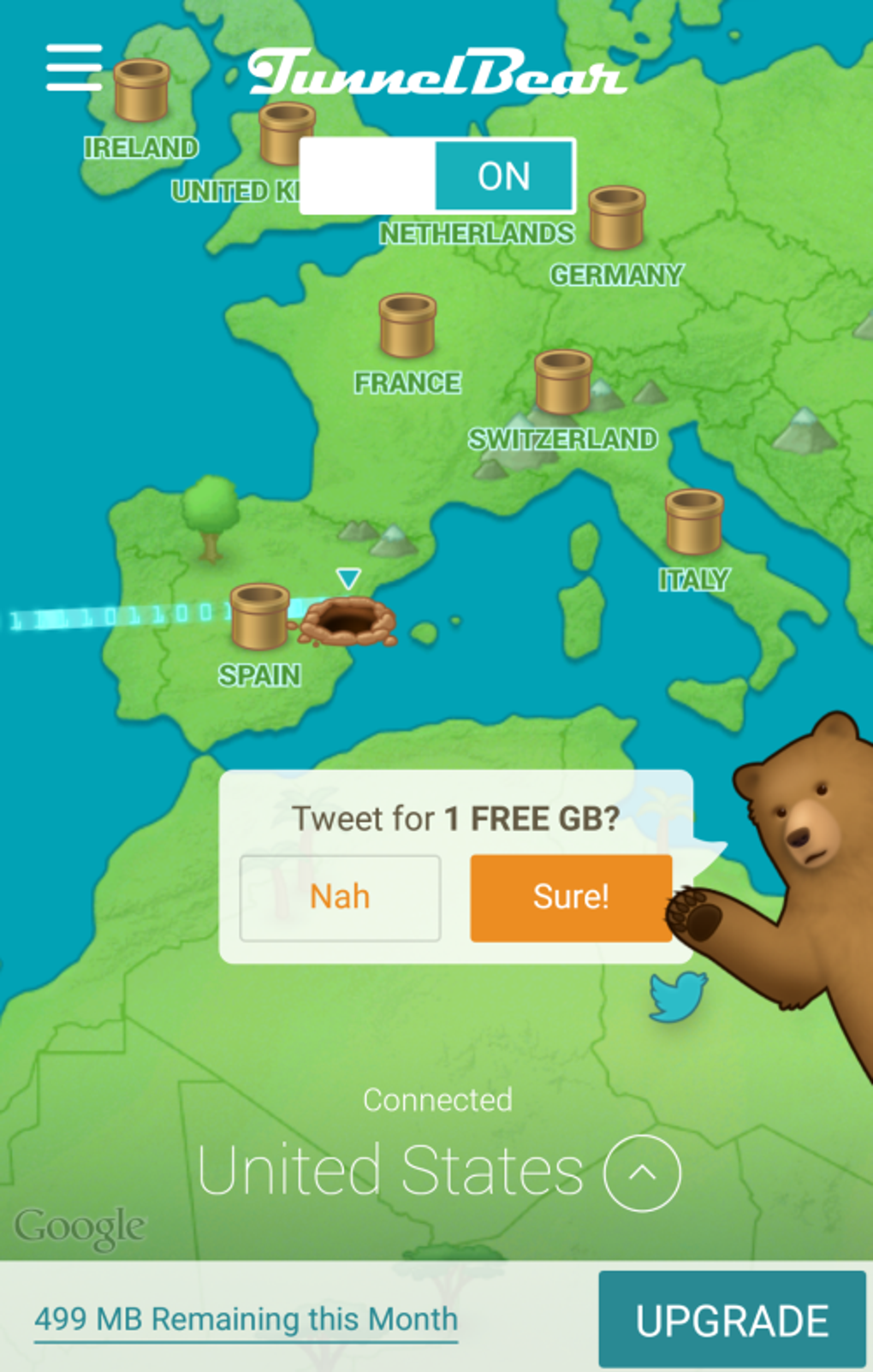
The user interface of TunnelBear is centered around a minimalist world map that visually displays server locations. This design promotes intuitive navigation, allowing users to select a destination by clicking on a country or city. The connection process is streamlined: users simply choose a server and toggle the protection button to establish a secure connection.
The interface is clean, with minimal clutter and clear visual feedback during connection and disconnection. Workflow efficiency is high for basic tasks, particularly for users who prioritize ease of use over advanced customization. However, the absence of a server search bar or a detailed server list with metrics like ping time or load levels limits advanced users’ ability to optimize connections.
Performance observations are based on general software behavior patterns, as specific benchmarks were not provided. The developer did not specify resource usage details, so CPU and RAM behavior remain unknown. Stability appears consistent under normal conditions, but the installation process is noted to take longer than typical applications.
The app’s performance may vary depending on server distance, network conditions, and the use of bandwidth-intensive features like GhostBear.
Compatibility & System Requirements
TunnelBear is available for Windows and macOS operating systems, supporting desktop environments on both platforms. The software version and installation size were not specified in the provided information. The developer did not list exact system requirements, so users should ensure their device meets general standards for running modern desktop applications.
Compatibility information was partially provided, indicating support for major desktop operating systems. The application does not function on older operating systems, which may limit accessibility for users with legacy hardware. Users should verify their OS version before attempting installation.
No additional hardware requirements were mentioned. For those seeking detailed technical specifications, the developer did not provide further documentation. It is recommended to consult official sources for the most up-to-date compatibility details.
Pros and Cons
Pros
- Intuitive, beginner-friendly interface with a visually engaging map-based design
- Strong encryption using 256-bit AES and OpenVPN protocol
- Automatic kill switch and Vigilant mode for enhanced connection security
- Strict no-logging policy for improved privacy
- Trusted Networks feature simplifies automatic connection to safe Wi-Fi
- Free version available with basic protection for light users
Cons
- Limited server network with only 22 locations worldwide
- Free version restricted to 500 MB of monthly bandwidth
- Performance may be slower compared to leading competitors
- Lacks server search functionality and real-time connection metrics
- GhostBear function reduces speed and should be used sparingly
- Not compatible with older operating systems
FAQ Section
Is TunnelBear compatible with Windows and Mac?
Yes, TunnelBear is available for both Windows and macOS operating systems. However, it does not support older versions of these platforms.
Is the free version secure?
Yes, the free version includes core security features such as 256-bit AES encryption, a kill switch, and a no-logging policy. However, it is limited to 500 MB of data per month.
Can I use TunnelBear offline?
Yes, once connected, the app maintains a secure tunnel while online. However, the application requires an active internet connection to establish and manage the VPN session.
Does TunnelBear work on all networks?
While TunnelBear is designed to function on most networks, some restrictive environments may block standard VPN traffic. The GhostBear feature can help bypass such blocks, though it may impact performance.
What type of license does TunnelBear use?
TunnelBear offers a freemium model with a free tier and two premium subscription plans (monthly and annual). The annual plan provides the best value and includes unlimited data and multi-device support.
Final Thoughts + CTA
TunnelBear stands out as a user-centric VPN solution that prioritizes simplicity and security without overwhelming users with technical complexity. Its clean interface, strong encryption, and automated safety features make it an excellent choice for beginners and casual users who want reliable privacy protection. While the limited server count and slower speeds may hinder power users or those requiring high-performance connections, the app delivers solid value for everyday browsing and light streaming.
The free tier offers a low-risk way to test the service, and the annual subscription provides a cost-effective upgrade path. For individuals seeking an easy-to-use, secure, and trustworthy desktop application to safeguard their online activity, TunnelBear is a compelling option. Download TunnelBear now to experience secure browsing with confidence.






.png)
